Choose a source image
Drop a photo, screenshot, or existing meme into the deep fried meme generator, or open the demo.
Contrast · saturation · pixels · quality
Turn a photo, screenshot, or existing joke into an oversaturated fried image with four visible controls. This deep fried meme generator runs locally, previews the damage, and saves without a watermark.
JPG, PNG, or WebP · Up to 100 MB
Real effect levels
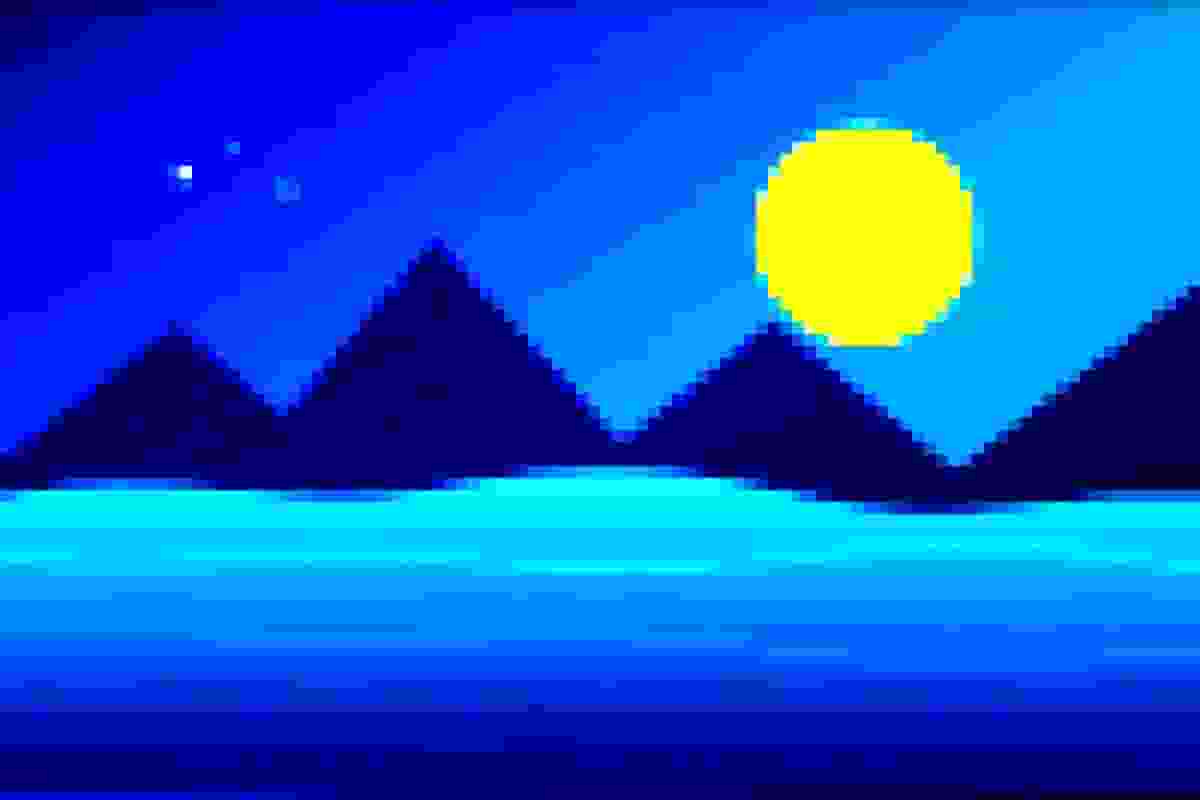
All three results start from the same 1200 × 800 source and combine the same controls available in the tool. The final result uses larger pixel blocks, stronger color clipping, and lower JPEG quality.


The aesthetic
The effect intentionally pushes an image past tasteful editing. Colors become oversaturated, contrast clips highlights and shadows, square pixels enlarge, and lossy compression creates ringing or blocks. The damage imitates media that has been copied and reposted until bad quality becomes the punchline.
The style became associated with absurd and surreal internet humor. A useful deep fried meme generator does not need artificial intelligence: the recognizable look comes from ordinary image operations used aggressively and in combination.
Three deliberate steps
The deep fried meme generator starts with strong defaults, but the best result keeps enough of the subject and caption for the joke to land.
Drop a photo, screenshot, or existing meme into the deep fried meme generator, or open the demo.
Adjust contrast, saturation, pixel block size, and quality while the fried preview updates.
Switch between Result and Original, keep the joke readable, then save a separate JPG or WebP file.
Four kinds of damage
Change one control at a time before pushing everything to maximum. Different sources already contain different amounts of color, contrast, text, and compression.
| Control | Visual effect | Risk when extreme | Starting point |
|---|---|---|---|
| Contrast | Harder separation of light and dark | Faces and captions disappear | 140–180% |
| Saturation | More intense, unnatural color | Colors clip into flat neon areas | 180–240% |
| Pixel block | Nearest-neighbor square detail | Small text becomes unreadable | 2–5 px |
| Quality | Lossy JPG or WebP artifacts | Ringing, bands, and muddy edges | 10–25% |
A practical recipe
Open the demo to see the default fry recipe: quality 18%, full resolution, a 3 px block, contrast 165%, and saturation 210%. Switch between Result and Original while tuning. If letters merge into the background, reduce pixel size or contrast before restoring quality.
Export as JPG for familiar bad-JPEG artifacts. Choose WebP when you want a smaller modern file with a similar color treatment. PNG preserves the final pixels but does not use the lossy quality setting, so it may look less authentically recompressed.
Source-aware frying
A meme fryer cannot use one perfect preset for every source. Watch the part of the image that carries the joke.
Keep pixel blocks small enough for letters to survive. Add captions before frying if you want the text to share the same compression damage.
Increase saturation first, then contrast. Extreme clipping can erase eyes and expressions that make the reaction readable.
Thin UI text breaks quickly. A light fry often sells the reposted look better than a nuclear preset.
Large smooth skies expose color bands, while hair and foliage expose block artifacts. Use the preview instead of trusting a fixed number.
Product truth
The current deep fried meme generator does not add captions, noise, sharpening, lens flares, bulge distortion, hue rotation, or repeated “Fry Again” passes. Those features appear in some competitor tools, but claiming them here would misdescribe the product.
This tool focuses on the four effects it visibly controls, plus resolution and output format. It accepts still JPG, PNG, and WebP files rather than animated GIFs or video. The supported image is rendered in your browser and is not sent to an upload server.
Related effects
Researched questions
These answers separate the real effect from competitor features, informal “nuked” terminology, format behavior, mobile limits, and irreversible image damage.
It is an intentionally overprocessed image with excessive saturation, hard contrast, blocky pixels, and lossy compression artifacts. The style imitates media that has been screenshotted, saved, and reposted until its visual damage becomes part of the joke.
Choose a JPG, PNG, or WebP file, raise saturation and contrast, add a small pixel block, and lower output quality. Compare the fried result with the original after each change. Download only when the subject and any caption remain readable enough for the joke.
The default mix—165% contrast, 210% saturation, a 3 px block, and 18% quality—is a strong starting point. Sources react differently, so lower contrast if faces or text disappear and increase the pixel block only when you want obvious square edges.
Deep fried usually means the image is heavily saturated and compressed but still recognizable. Nuked describes a more extreme result with clipped colors, large blocks, and barely readable detail. These are informal meme terms rather than precise technical presets.
JPG creates the most familiar block and ringing artifacts at low quality. WebP can produce a smaller, cleaner-looking result, while PNG preserves the rendered pixels losslessly and does not respond to the quality slider in the same way.
No. The current tool focuses on contrast, saturation, pixel blocks, resolution, and lossy encoding quality. It does not add noise, sharpening, captions, lens flares, bulge distortion, or repeated Fry Again passes, so the controls match the effect actually rendered.
Not in this release. Add your caption in a meme editor before using the deep fried meme generator. Frying after the caption is added lets the text collect the same pixels and compression artifacts as the image.
Yes. The controls and preview adapt to current iPhone and Android browsers with Canvas support. Very large camera images can use significant memory, so lower the resolution or choose a smaller source on older phones.
No. Downloads contain the processed image without a site watermark. Supported files are decoded and rendered in your browser, and the site has no image upload endpoint. Your original remains a separate file.
No. Strong contrast clipping, downsampling, and lossy encoding discard information. Keep the original image and use the Reset button while editing. A downloaded fried file cannot reliably recover the colors and detail that were removed.
Ready to fry
Open the deep fried meme generator, change one control at a time, and save a separate result when the joke still reads.